How to Block a Website on Windows 7 – Windows 11
There are many reasons why people search for how to block a website. Parents want to prevent their children from accessing sites with inappropriate content. For employers, blocking time-wasting websites is an excellent way to increase productivity. Whatever the case, let us show you how to block any website effortlessly with just a few clicks on the computer or laptop with Windows. For example, block YouTube easily and reliably.
How to Block a Website with a Website Blocker
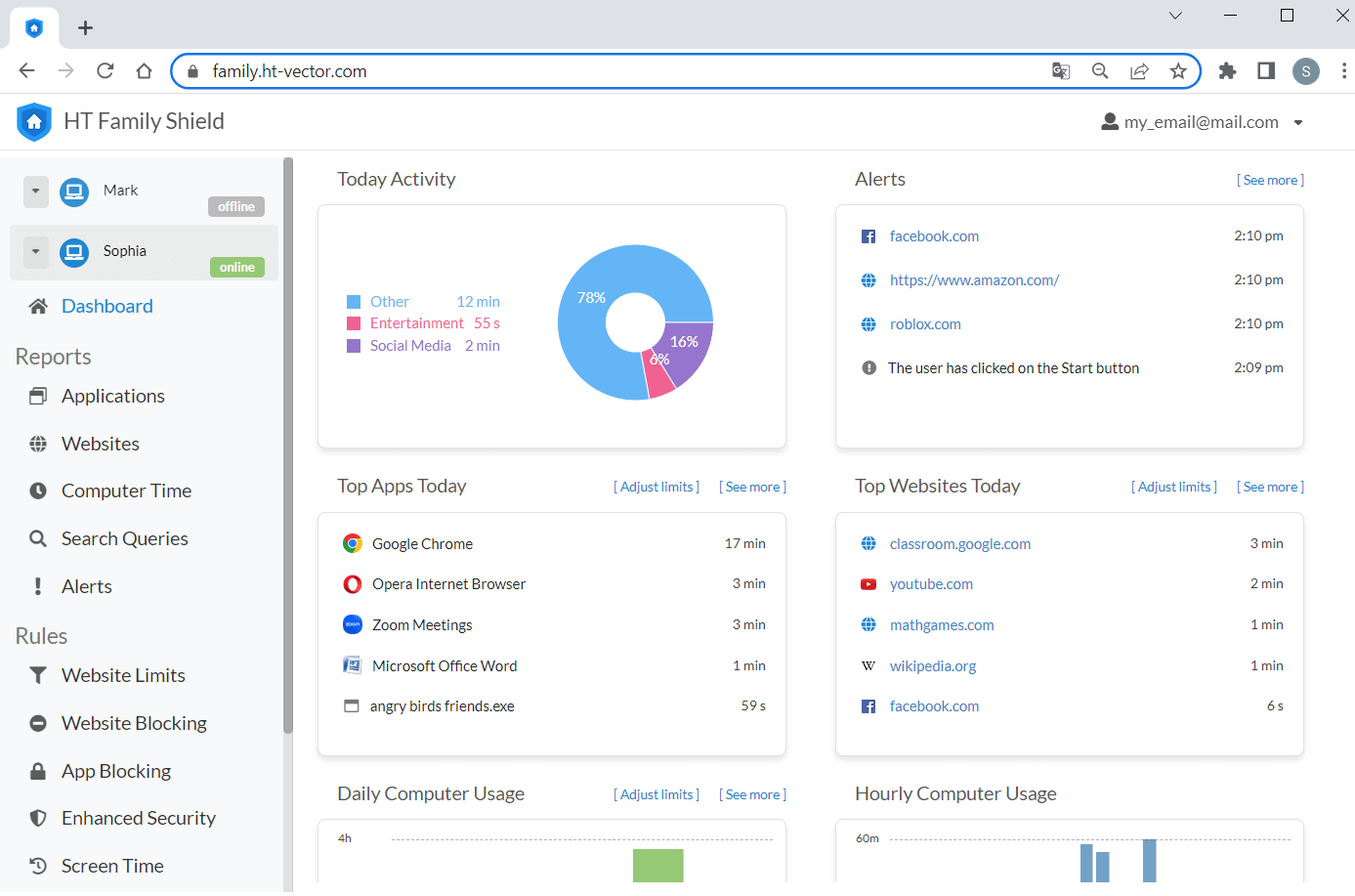
The best way is to use special software. HT Task Vector and HT Family Shield let you block any website reliably and easily in all popular browsers and have many other options to manage computer use.
- Download the software on your computer. Install the app on your computer and create an account.
Download HT Family Shield for home
Download HT Task Vector for business - Open your online dashboard using a browser from any location and log in:
https://family.ht-vector.com — for HT Family Shield
https://manage.ht-vector.com — for HT Task Vector - Click Rules → Website Limits, and add the website address or keyword you want to block to the Custom List.
- Choose the Block status for it.

How to Set Time Limits on a Website
Instead of blocking websites completely, you can set time limits on them. This way, you can limit time-wasting websites and help users overcome procrastination.
- Open Rules → Website Limits.
- Add the website or keyword you want to limit to the list and choose the Limit status for it.
- Set time restrictions using the range and/or create Schedule on the limited items.

HT Task Vector and HT Family Shield are easy-to-use and effective software that allows you to manage user activities. With the software, you can:
Block Websites on All Top Browsers
Block websites on Chrome, IE, Edge, Firefox, Brave, and Opera with a few clicks.
Block Websites by Urls and Keywords
A flexible system will allow you to block sites with different approaches.
Block Categories of Websites
Block websites that fall into any of up to 10 different categories.
Block or Limit Any Apps
Block games, messengers, browsers, players, and etc.
Set Time Limits on Websites
Restrict the time that users can spend on certain websites
Track Computer Time & Activities
Receive reports of sites and launched applications, track computer time, and more.
The software is compatible with all Windows versions, from Windows 7 to Windows 11.
How to Block a Website Despite VPNs
The simplest and most common way to ignore your restrictions and access blocked websites is to use VPNs or proxy server sites. Use our professional blocking software — HT Task Vector and HT Family Shield, to block or limit any website reliably with a few clicks, saving time and effort. It is not sensitive to VPNs and works even in private browser mode. Browser type and Windows version make no difference.
Last updated: November 17, 2023